.png)
The Ultimate Beginner’s Guide to the D23 Virtual Queue

Aug 14
3 min read
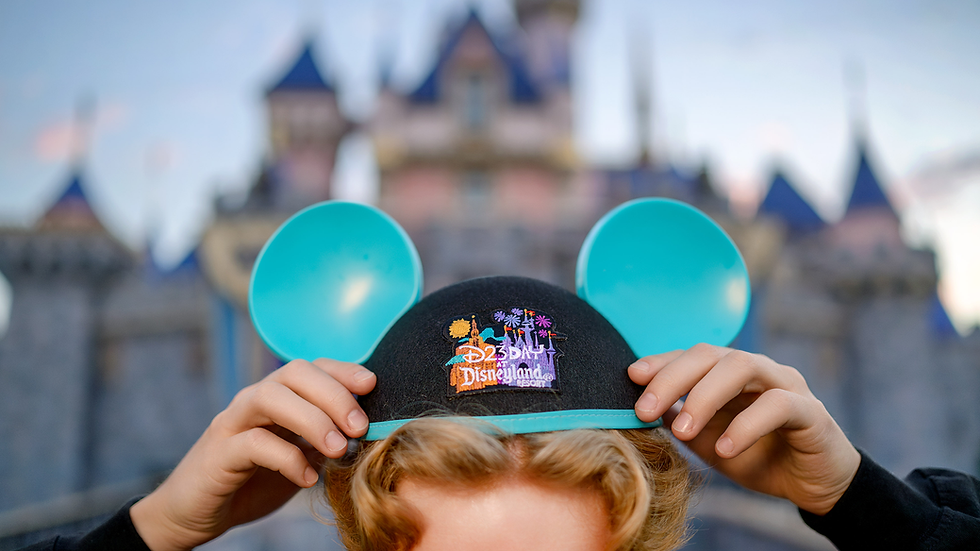
Walking onto the showroom floor at D23: The Ultimate Disney Fan Event can be pure magic, but if your goal is to snag exclusive merchandise, you need a plan. The days of standing in grueling four-hour lines just to enter a store are gone. Instead, Disney relies on a digital D23 Virtual Queue system.
If you are a first-timer, navigating this app-based system can feel a bit daunting. Don't worry—this guide covers everything you need to know to secure your boarding group and shop stress-free.
Table of Contents:
What is the D23 Virtual Queue?
The D23 virtual queue is a lottery-style digital reservation system. Instead of waiting in a physical line, you secure a digital spot called a Boarding Group.
When your group number is called, you receive a smartphone notification letting you know it is your turn to head to the store. This system is required to access the event's most popular shopping locations, including:
D23 Marketplace
Mickey’s of Glendale
Ravensburger

Step 1: Pre-Convention Homework (Do This Now!)
You cannot join the queue if your phone isn't properly set up. Complete these steps before the morning of the event:
Download the Tech: Install both the official Disney D23 App and the Disneyland Resort App from your app store.
Link Your Accounts: Log into both apps using the same Disney account credentials. Make sure your D23 event tickets or badges are linked and visible.
Turn On Notifications: Allow push notifications for the Disneyland Resort App. If you miss your notification window because your phone was silent, you might lose your spot.
Step 2: Know the Rules of the Map
Disney uses your phone's GPS to ensure only actual attendees are occupying queue spots.
You must be physically located within an approximate 90-mile radius of the Anaheim Convention Center to join.
You do not need to be inside the building yet for the early morning drop, but you do need to be in the local Southern California area.
Step 3: Master the Drop Times
Boarding groups are released twice a day. Mark your calendars and set alarms for these exact times:
6:00 AM PT (The Big Drop): This pool opens for all participating retail locations. It is your best chance to secure shopping times for early in the day.
1:00 PM PT (The Afternoon Drop): This secondary window opens specifically for the Ravensburger store.
Step 4: Fast Fingers Win (How to Join)
When the clock strikes 5:59 AM, open your Disney D23 App.
Tap the D23 Virtual Queue banner on the home screen. The app will automatically redirect you into the Disneyland Resort App interface.
Select the store you wish to shop at.
Confirm your party. You can add yourself and up to one guest to your boarding group.
Keep tapping Refresh until the clock hits exactly 6:00 AM, then tap Join immediately. Seconds count!
Step 5: What To Do After You Get a Group
If successful, the app will display your Boarding Group Number and an estimated wait time.
Go enjoy the panels and exhibits! Explore the floor freely without being anchored to a line.
Watch your phone: When your group is called, a push notification will alert you, and a digital barcode will appear in your app.
Head to the shop: Walk over to the store's designated Virtual Queue entrance, show your barcode to the Cast Member, and step right inside to hunt for your favorite collectibles.


Comments